How to Generate SRT Subtitles Easily in 2026

How to Generate SRT Subtitles Easily in 2026
Adding subtitles to your videos is no longer optional—it's mandatory. With over 80% of social media videos watched on mute, failing to caption your content means burning your engagement rate to the ground. Fortunately, manual transcription is a thing of the past.
Today, you can generate flawless `.srt` files and dynamically animated captions in seconds using AI. Here is a step-by-step guide on how to do it using SRTGen.com, the easiest and most professional subtitle workspace on the market.
Step 1: Upload Your Video
The first step is incredibly simple. Head over to the SRTGen Workspace and drop your video file directly into the dashboard. We support a massive range of formats, whether you are uploading a heavy 4K podcast episode or a quick 9:16 TikTok clip.
All processing is handled entirely in the cloud, meaning you don't need a powerful computer or heavy desktop software (like Premiere Pro) to manage the rendering process.
Step 2: AI Transcription (Fast & Flawless)
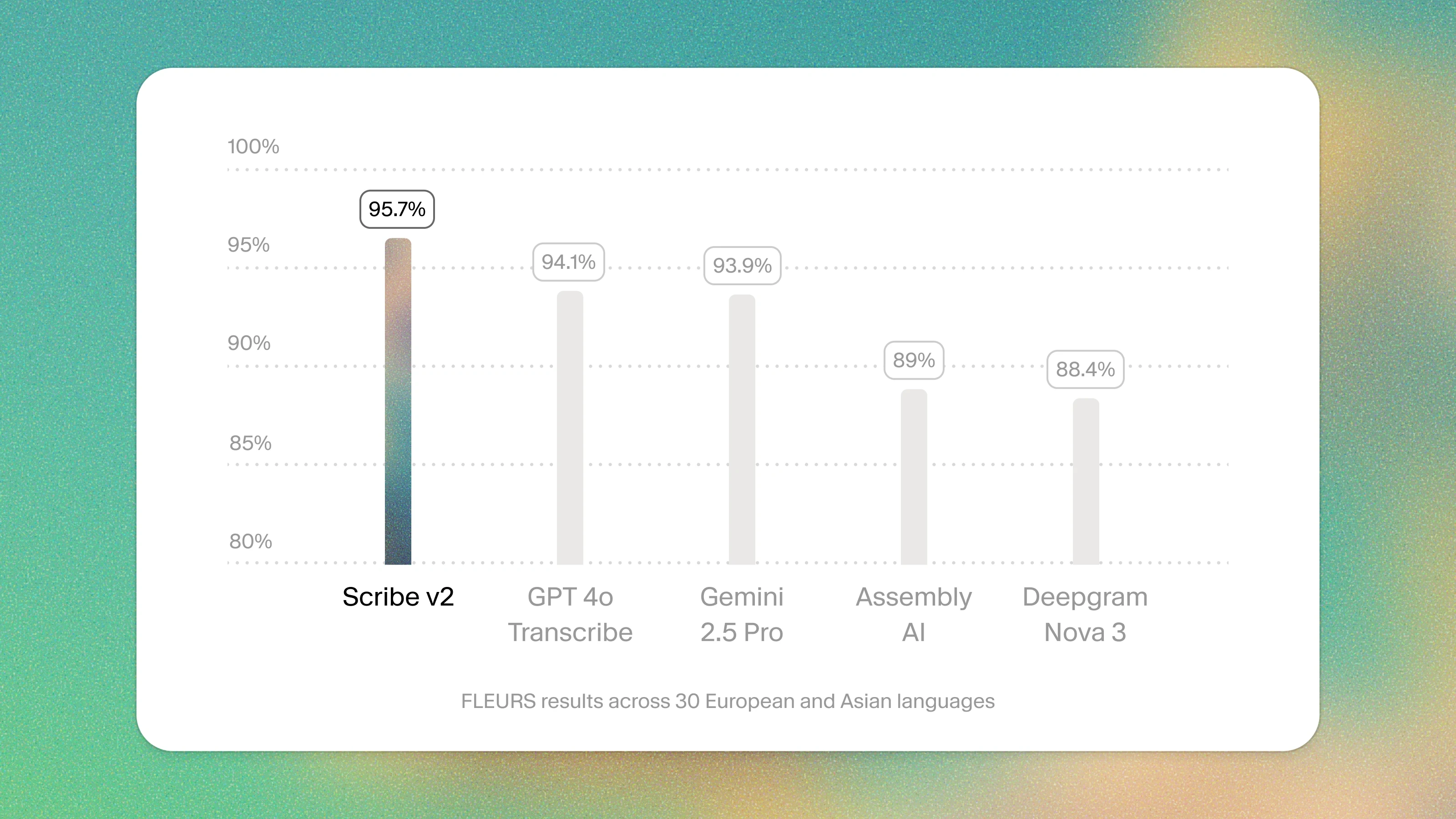
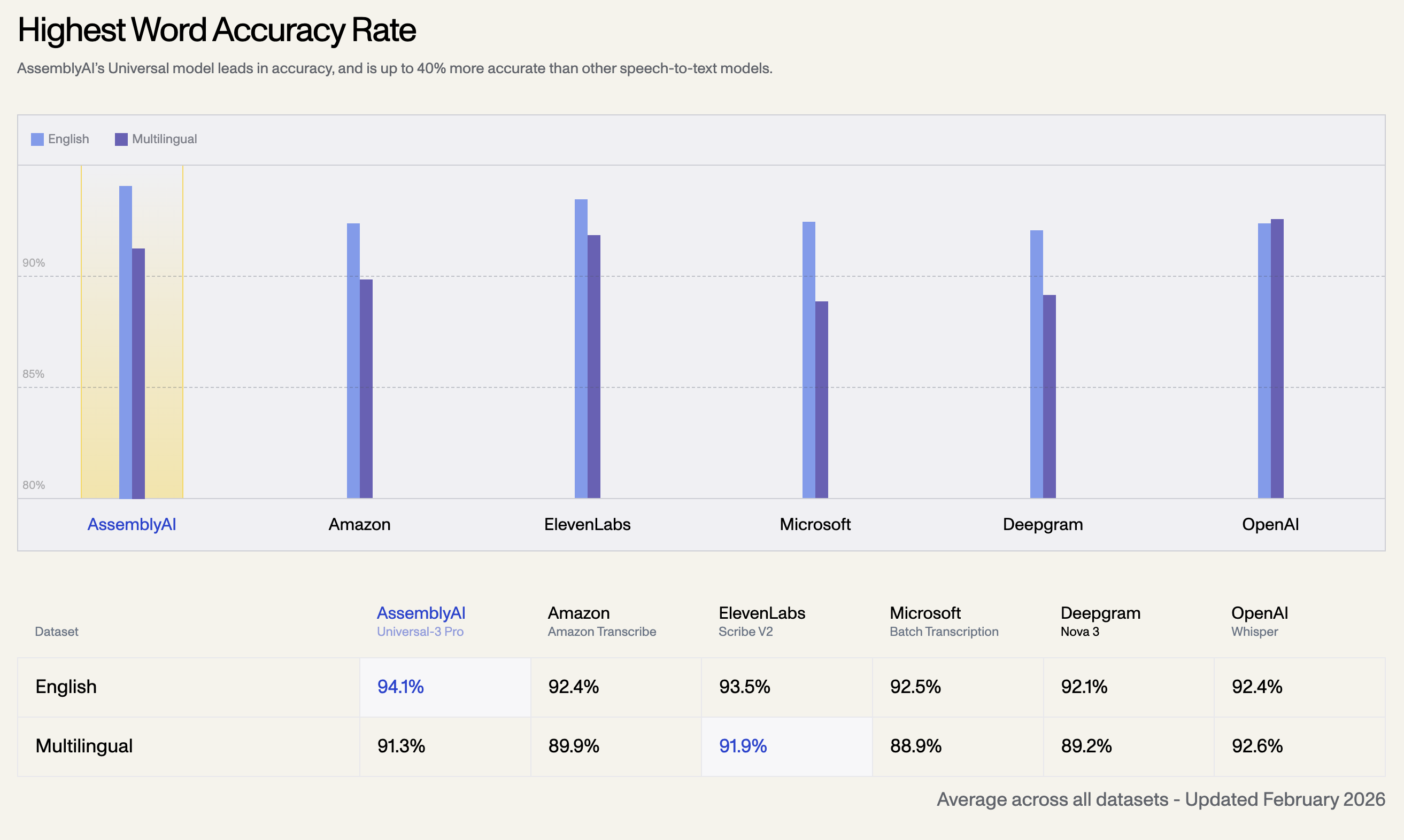
Once uploaded, simply click Generate. Under the hood, SRTGen routes your audio through heavily optimized arrays of the fastest AI transcription models available today.
Within seconds, the AI will process the audio, analyze the complex overlapping voices or background noise, and spit out an incredibly precise timeline of text. Not only does it transcribe, but it also automatically perfectly times and segments the dialogue so that viewers can follow along easily.
Step 3: Edit in the Professional Workspace
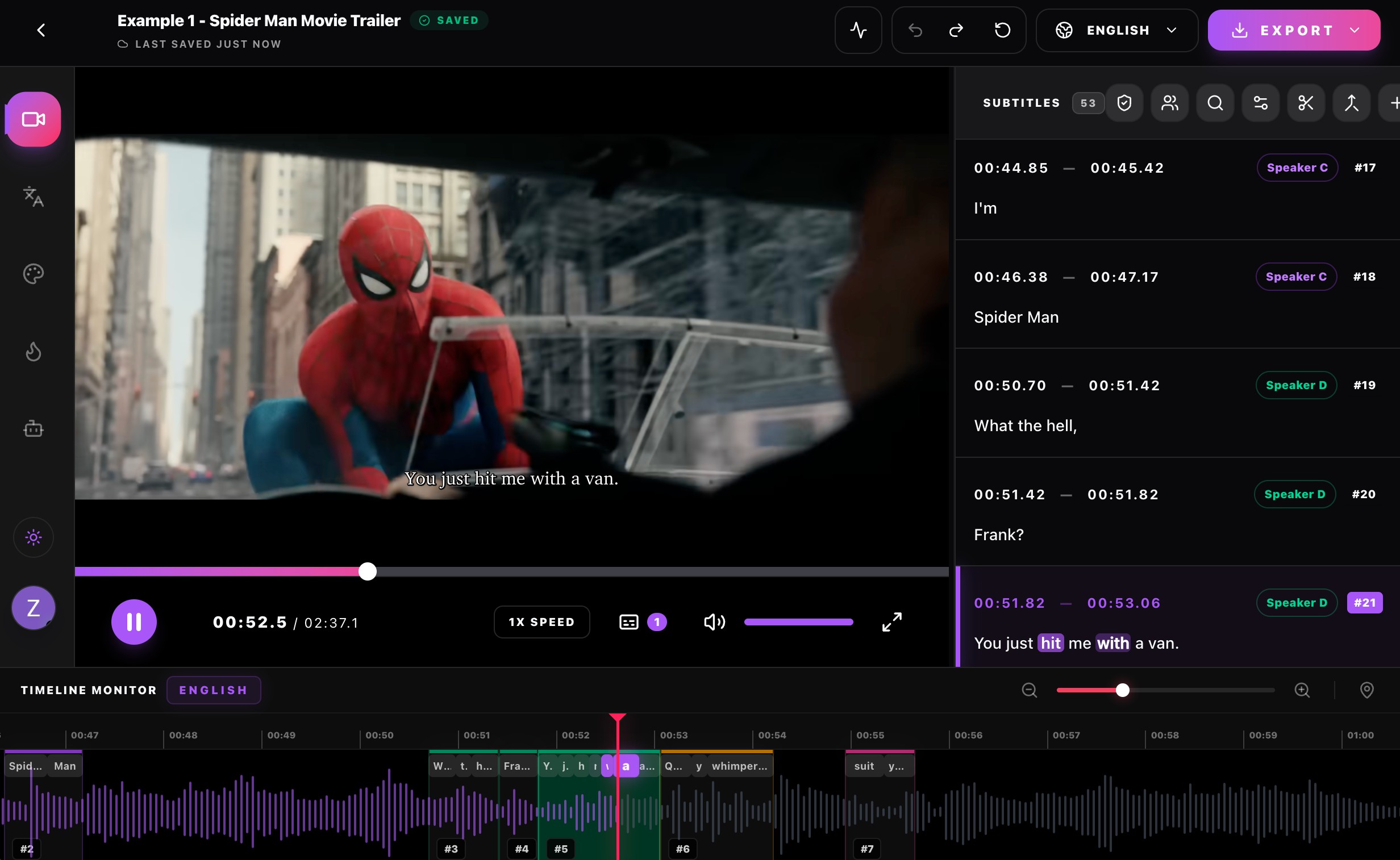
This is where SRTGen truly pulls away from the competition. While many tools give you a rigid, plain-text box to correct typos, SRTGen provides the most professional subtitle editor on the market.
Through an intuitive, timeline-based editor, you can:
- Instantly correct text: Just click any word on the interactive timeline to edit it.
- Adjust timings: Drag and drop the edges of subtitle blocks to perfectly match visual comedic timing.
- Design Viral Styles: Apply glowing presets, Karaokee-style word-by-word tracking, and premium fonts that make your video look like it was hand-edited by a professional agency.
Step 4: Export (SRT or Burned-In Video)
When your subtitles look perfect, you have total flexibility. If you just need the raw data for Netflix, YouTube, or your own video editor, you can instantly Export as .SRT or .VTT.
If you want to skip the video editor entirely, simply click Export Video. Our cloud engines will quickly hardcode your beautifully styled, animated captions directly onto the video, delivering a high-quality `.mp4` file that is instantly ready to post to Instagram, TikTok, or X.
Don't waste hours manually typing out your dialogue. Experience the most powerful AI subtitle pipeline today at SRTGen.com!
Marcus Thorne
Head of Growth
Specializing in organic distribution and audience building for SaaS products.