Vocal Separator
Separate Vocals with AI
Extract clean vocals and instrumentals from any audio track. Keep acapellas pristine and background music completely isolated with AI precision.

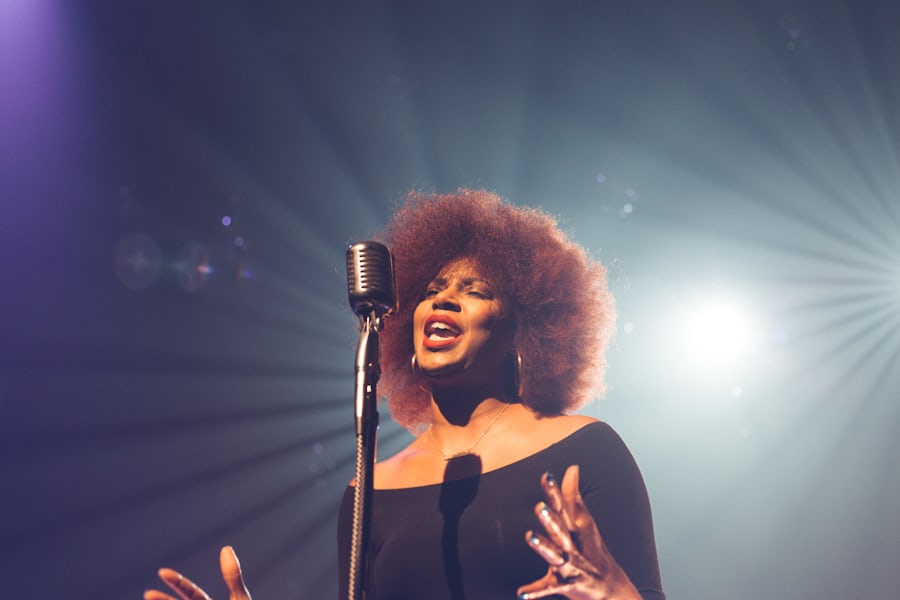

Did You Know?
Podcast Drop-off Rate
Approximately 19% of audio content listeners will instantly stop listening to a show due to poor audio quality or noise.
Low Audio, Low Trust
Scientific research shows that poor audio quality significantly reduces how intelligent, likeable, and trustworthy a speaker is perceived to be.
Cognitive Fatigue Drop
Excess background noise forces the listener's brain to work harder, causing most listeners to drop off within 2 minutes.
Separate Vocals in One Click
No complex settings or editing curves. Get isolated, high-fidelity stems instantly.
Upload Mix
Upload any song, video, or voice recording.
AI Separate
Let SRTGen isolate vocals & instruments in one click.
Separated Tracks
Save acapellas and instrumentals in high quality.
Perfect for AI Dubbing
Never settle for silent translations. Strip the original voice, generate your translated AI dub, and automatically merge it back onto the original background music & sound effects.
Original Speech
REMOVEDOriginal speaker's voice track is identified and isolated.
Dubbed Speech
New AI VocalsHigh-fidelity translated speech generated in the target language.
Preserved BGM & Sound FX Track
100% KeptAll cinematic background scores, music, and ambient sound FX stay intact.
Loved by Musicians
and Editors

The vocal separator is incredible. Isolating clean vocals from a noisy interview track while retaining all original quality saved me so much editing time.

Perfect for making karaoke tracks. I drop the audio file, select separate, and it splits the music and vocals into two clean files instantly.

I started with separating vocals for background tracks, now using the full suite. It's a complete workspace for transcribing and dubbing.

High fidelity extraction with minimal artifacts. It's the cleanest online audio splitter I have found.

Having vocal separator and subtitles on the same dashboard is so convenient. I split the vocals first, then auto-transcribe directly from the clean vocal track.

Handles backing vocals and complex harmonies exceptionally well. High-quality separation without phase cancelation issues.

Outstanding AI separation. The isolated vocals track is pristine and perfect for remixing and clean dubbing.
I clean up outdoor dialogue audio clips. The vocal isolation tool works like magic for removing wind and traffic noise.
The vocal separator is incredible. Isolating clean vocals from a noisy interview track while retaining all original quality saved me so much editing time.
Perfect for making karaoke tracks. I drop the audio file, select separate, and it splits the music and vocals into two clean files instantly.
I started with separating vocals for background tracks, now using the full suite. It's a complete workspace for transcribing and dubbing.
High fidelity extraction with minimal artifacts. It's the cleanest online audio splitter I have found.
Having vocal separator and subtitles on the same dashboard is so convenient. I split the vocals first, then auto-transcribe directly from the clean vocal track.
Handles backing vocals and complex harmonies exceptionally well. High-quality separation without phase cancelation issues.
Outstanding AI separation. The isolated vocals track is pristine and perfect for remixing and clean dubbing.
I clean up outdoor dialogue audio clips. The vocal isolation tool works like magic for removing wind and traffic noise.


Frequently Asked Questions
Everything you need to know about AI vocal separation.