Grow Your YouTube
Channel Globally
Translate, dub in your own voice, and add animated subtitles to YouTube videos in 100+ languages. Unlock YouTube's international algorithm and grow worldwide subscribers.
Did You Know?
Watch Without Sound
Up to 85% of social video views happen with the sound off. Furthermore, 69% of consumers watch muted in public places.
Global Viewers
On average, over two-thirds of a creator's audience watch time comes from outside of their home area.
Americans Prefer Subtitles
Over 50% of Americans prefer watching content with subtitles, a trend led by 70% of Gen Z viewers.
Why YouTube Creators Struggle to Go Global
Going global is slow. Traditional video translation demands massive budgets, manual captioning takes hours of editing, and hiring voice actors delays publishing schedules.
High Cost
Creating multiple language versions using traditional dubbing agencies is extremely expensive and unsustainable.
Time Consuming
Writing and aligning manual translation files for subtitles takes hours of tedious editing.
Talent Management
Hiring, vetting, and managing voice actors across different regions adds friction to publishing schedules.
Audience Limits
Without dubbing and subtitles, your video reach is strictly locked to English-only audiences.
Localize Your Content in 3 Simple Steps
Upload Video
Paste YouTube link or upload MP4/MOV files.

AI Translate & Dub
Auto-transcribe, translate, and dub in cloned voice.
Export to YouTube Studio
Download SRT/VTT subtitles and upload directly to YouTube Studio.
YouTube-Specific Creator Suite
Powerful translation, transcription, dubbing, and narrative tooling specifically optimized for creator workflows.
Animated Subtitles
EngagementCapture viewer attention instantly with eye-catching, word-by-word highlighted captions that sync perfectly with your audio.
Subtitle Translations
GlobalTranslate your video captions into 100+ languages automatically, satisfying YouTube search crawlers and boosting international search rankings.
AI Dubbing
Voice CloneGenerate high-fidelity translated audio tracks in your original voice. Retain unique emotional tone, inflections, and pacing.
AI Narrations
VoiceoverCreate professional commentaries, narrations, and commentary voiceovers from text script templates in minutes.
What Can You Localize?
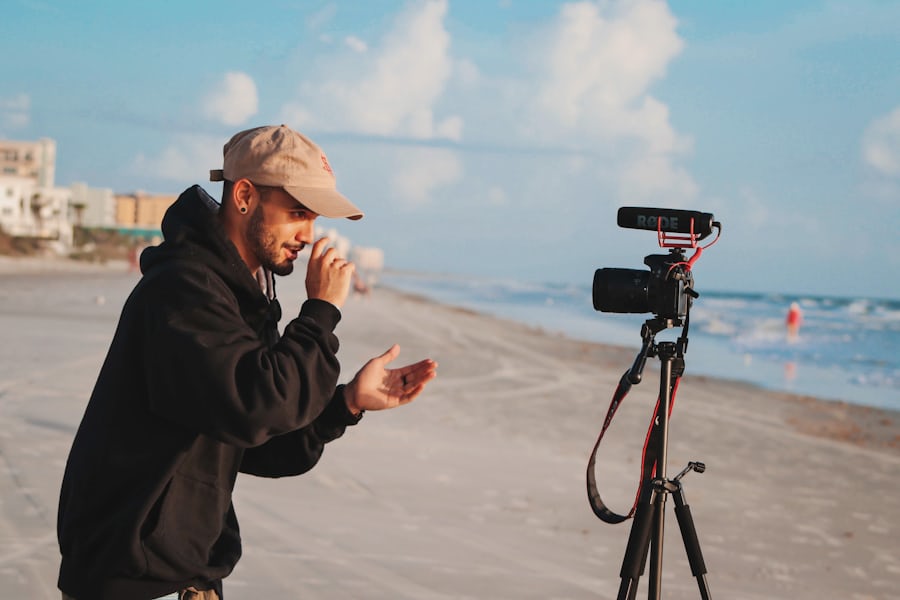
YouTube Vlogs
Dub your daily stories, travel diaries, and vlog content to connect with global viewers.

Gaming Walkthroughs
Translate commentary for gameplay videos, speedruns, and reviews to grow your gaming channel.

Tech & Coding Guides
Create multilingual coding guides, app walkthroughs, and hardware setup videos.

Video Essays & Lectures
Subtitle and voiceover long-form breakdowns, animations, and educational essays.

Finance & Market Analysis
Deliver daily market analysis, investment advice, and business updates globally.

Travel & Food Guides
Share global culinary journeys, city tours, and hotel reviews with localized audio.
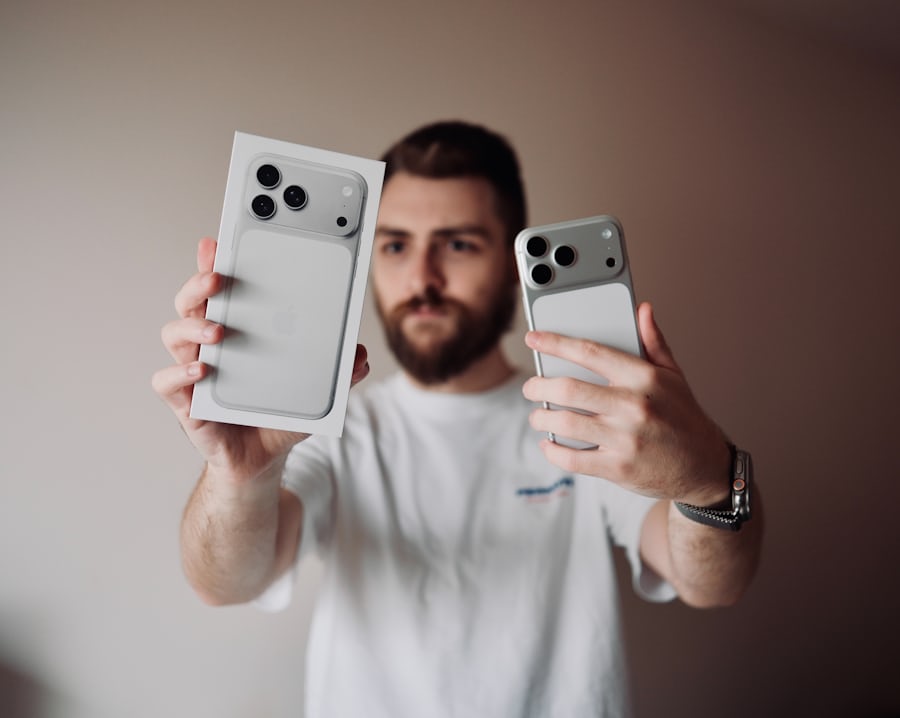
Unboxing & Tech Reviews
Dub reviews, comparisons, and product unboxings in multiple languages.
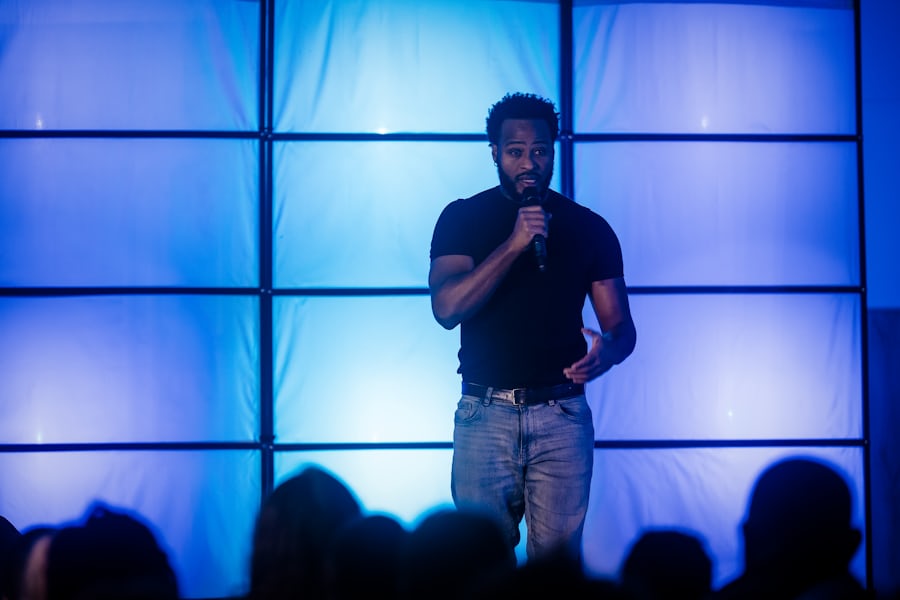
Comedy & Reaction Clips
Translate comedy sketches, reaction videos, and challenges with emotional voice cloning.
Multiply Your Subscribers
Across Every Country
Audience View Growth (6-Month Projection)
Comparing English-only vs Localized (Dubbed & Subtitled) videos
Engagement Boost
Increase watch time, retention, and interaction by speaking directly to your audience in their language.
Faster Production
Generate full voice dubs and subtitles in minutes instead of waiting weeks for localization agencies.
Keep Your Voice
Retain your actual voice identity and channel brand connection across all languages.
Flexible Capacity
Bypass expensive translation fees and costly voice actor studio hours.
Rank Your Channel in YouTube Search Globally
YouTube's algorithm ranks multilingual channels higher in regional searches. Adding Spanish, Hindi, Portuguese, and French subtitle tracks to your existing videos signals global relevance to YouTube's recommendation engine automatically.
SRTGen AI vs Traditional Video Localization
Compare subtitle accuracy, voice dubbing qualities, project timelines, and rates side-by-side.
SRTGen.com✓ Broadcast-ready quality, instant turnaround, cloned voice dubs
✗ Studio fees, booking voice actors, weeks of delays
YouTube Localization FAQ

One Video. Millions of Global Viewers.
Translate your YouTube videos, dub your channel in your cloned voice, and add animated captions. Unlock every country's YouTube algorithm instantly.